Shape the event
Set a title, description, schedule and visibility. Save reusable templates for shows you run again.
Prepare your live event once, adapt the details for each platform, and publish with confidence. LivePilot brings your YouTube, Twitch and Kick workflow into one desktop app.
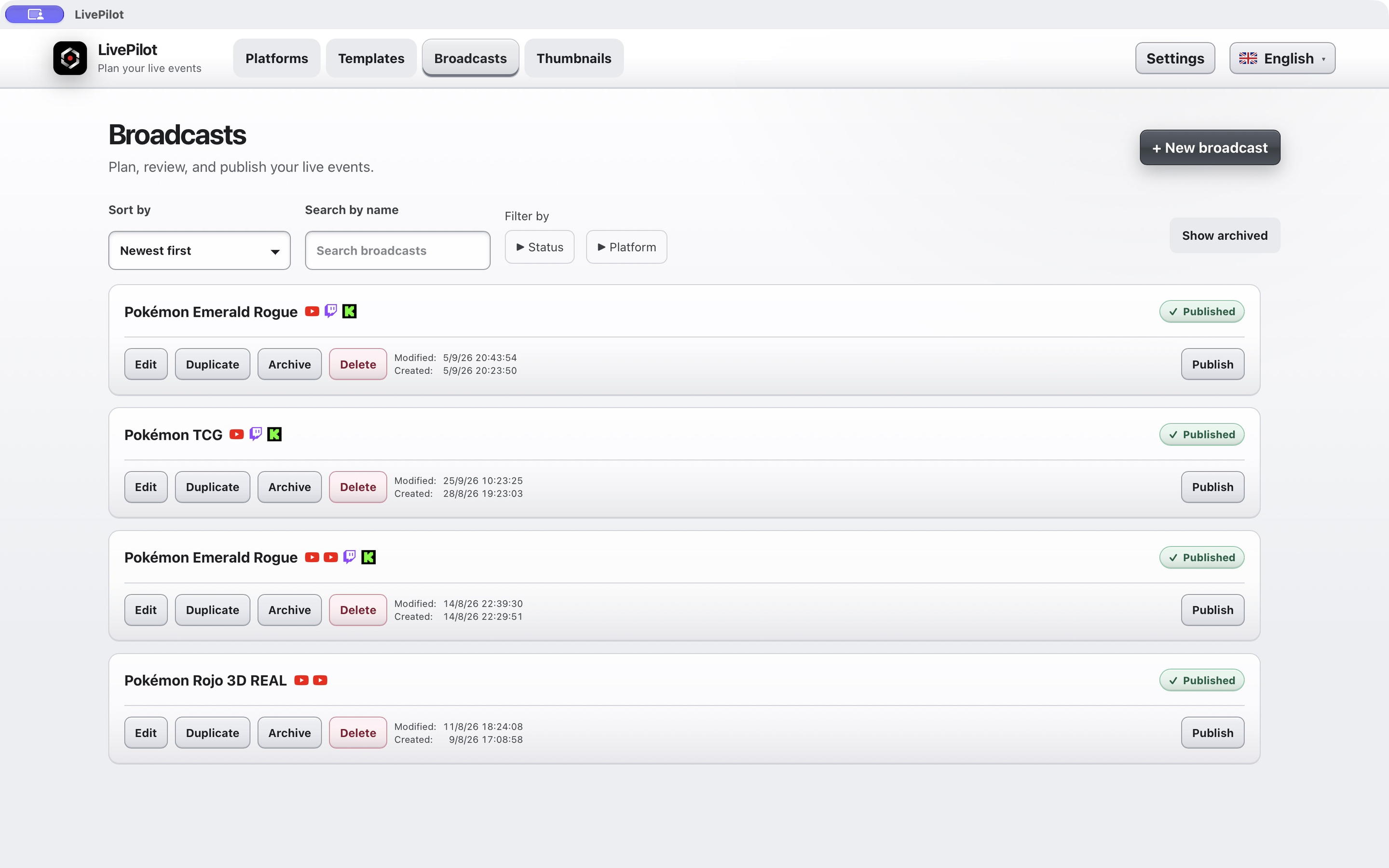
LivePilot handles the planning and platform settings around your broadcast, while your usual encoder handles the video.
Set a title, description, schedule and visibility. Save reusable templates for shows you run again.
Choose platform specific categories, tags, stream keys and other options that each destination supports.
Send the settings you choose, review each destination's result and inspect local activity and diagnostics.
Keep your show formats and thumbnails close at hand. A single event can have tailored settings for each destination, so you can review them before publishing.
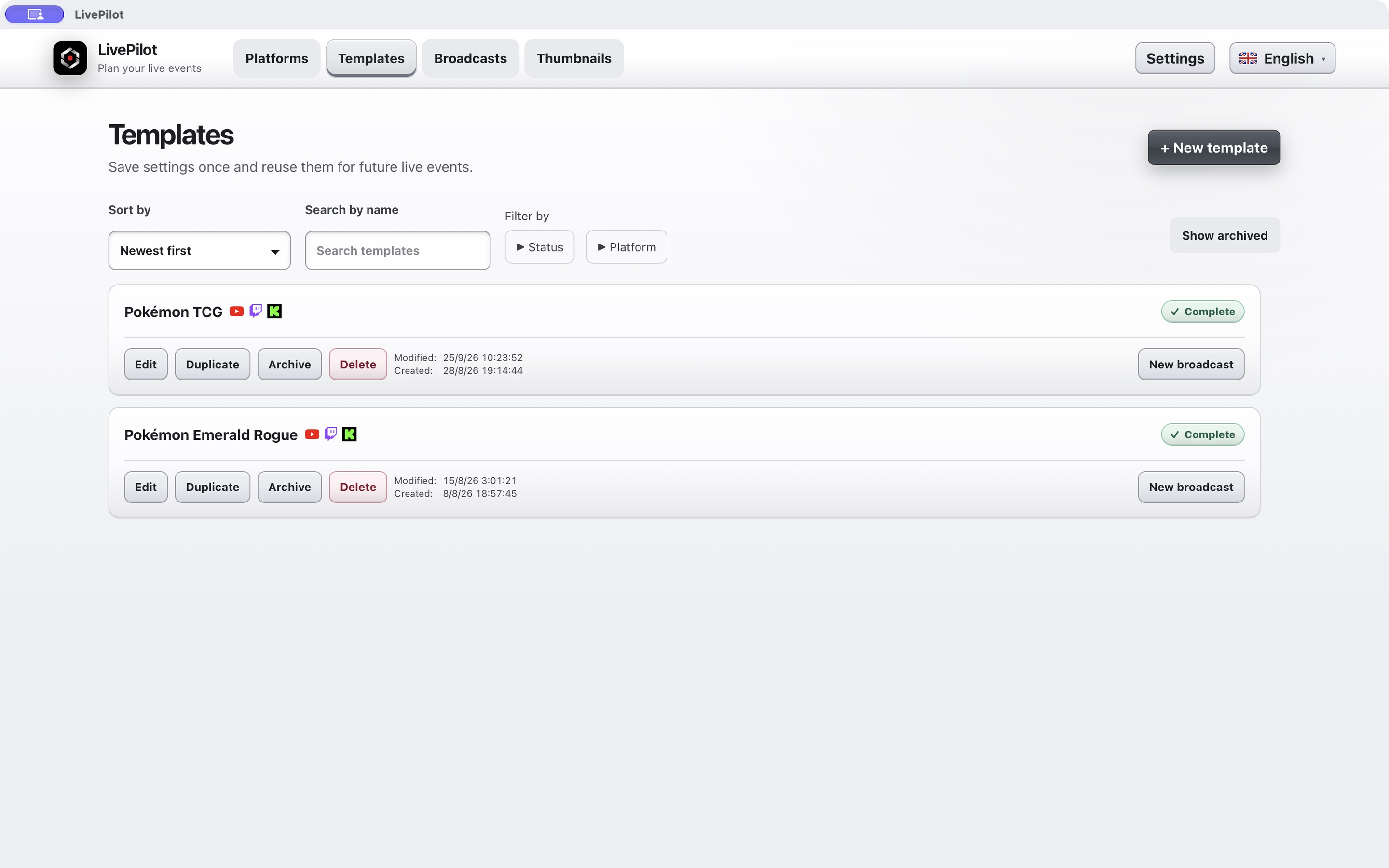
LivePilot lets you prepare an event once and review the settings that each service actually supports. You connect only the accounts you want to use.
Authorize your channel through Google, then prepare and publish the live event details you choose.
LivePilot handles the event setup; your encoder sends the video.
How the YouTube connection works →Authorize Twitch in your system browser, then prepare the channel details for your next show from LivePilot.
LivePilot updates your existing Twitch channel; it does not create a separate broadcast or send video itself.
How Twitch data is used →Connect your Kick account securely, then apply the event information that Kick supports to your channel.
LivePilot updates your Kick channel settings. Your encoder handles the live video connection.
How Kick data is used →Get LivePilot on the App Store or Microsoft Store and prepare your live events in one place. Contact Neotecos Software for support or privacy questions.